An idea starts
with a feeling.
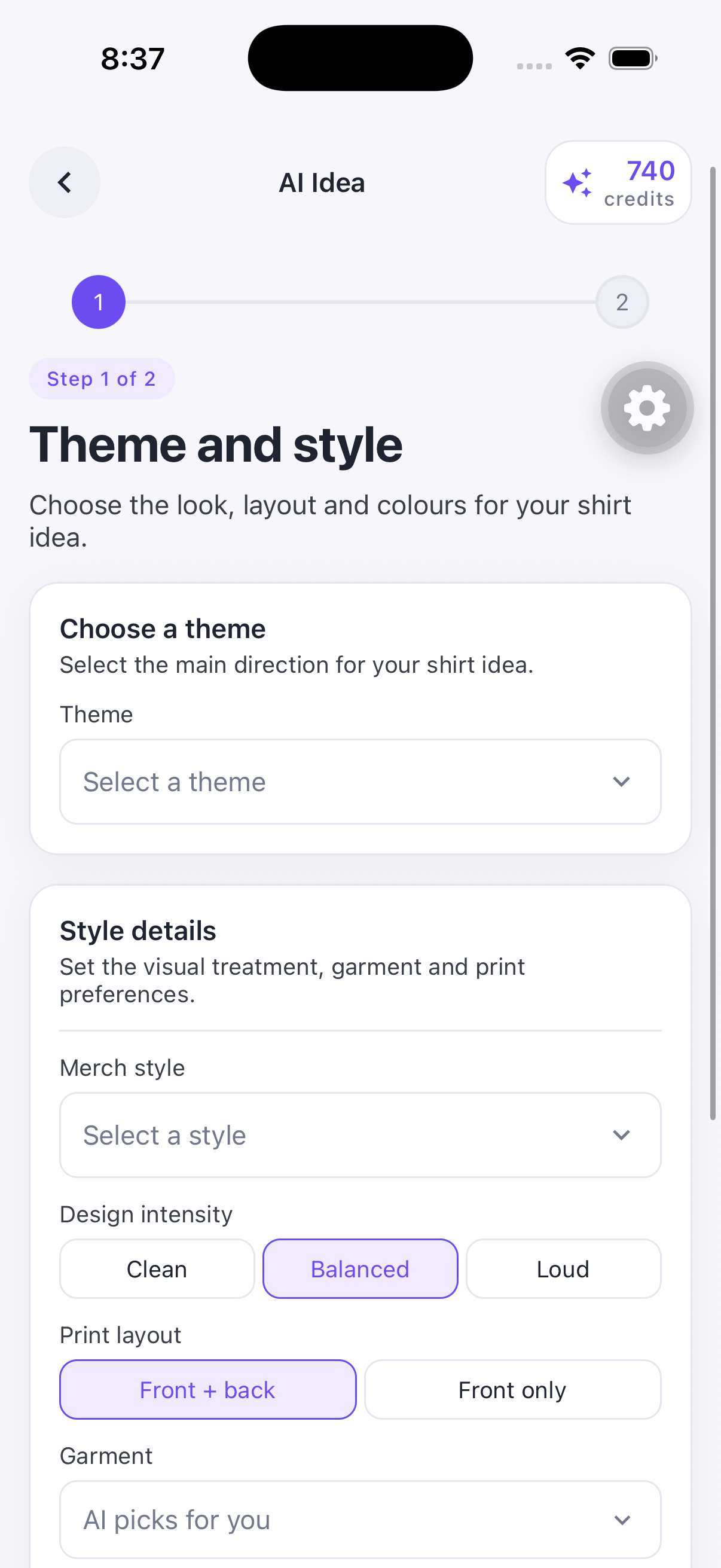
Choose your theme, style, colours and layout. AI Idea helps you turn that direction into a design you can keep shaping.
SHIRTLY: AI DESIGN STUDIO
Turn a little inspiration into something you can wear. Create, customise and preview, right from your phone.
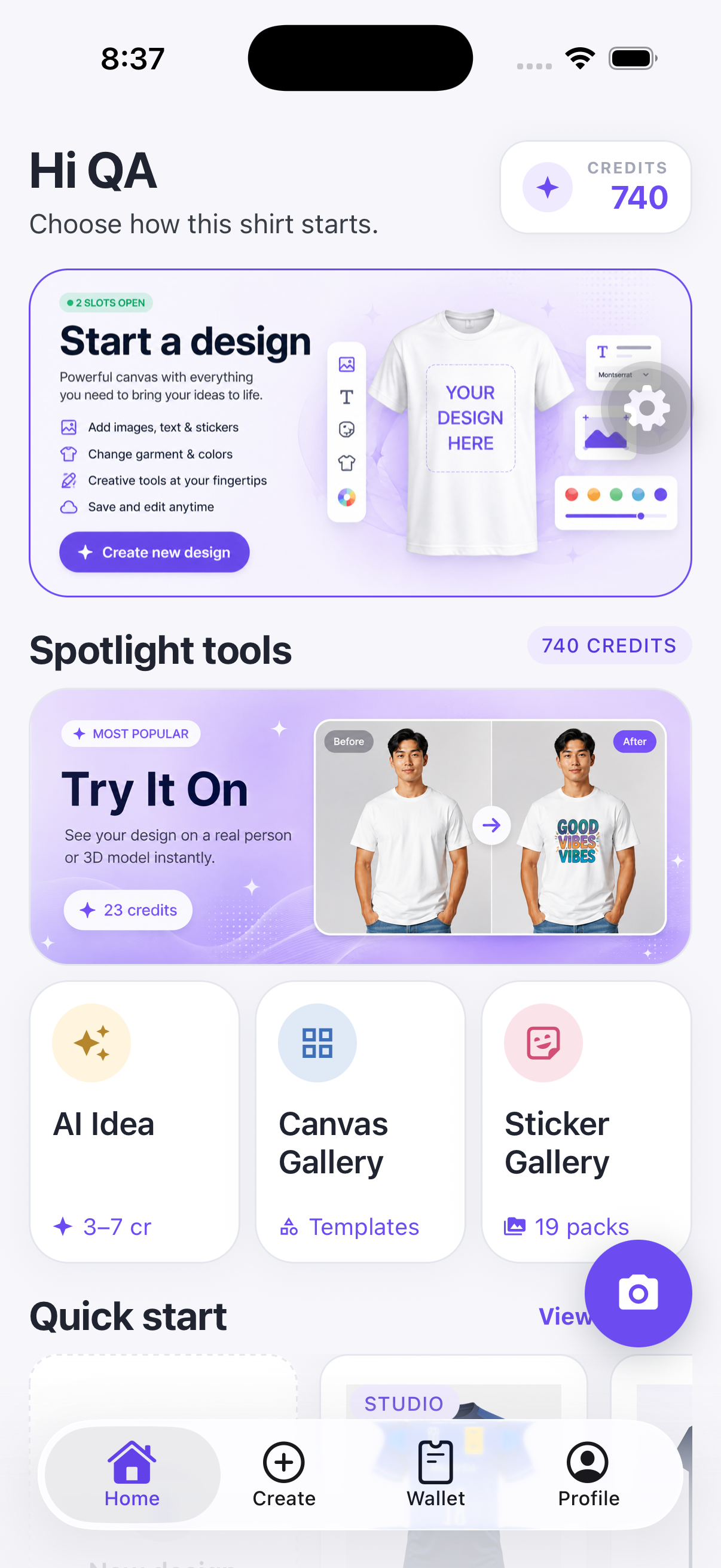
Four ways to take a design from “what if” to yours.
Choose a theme and style. Let AI help with the first idea.
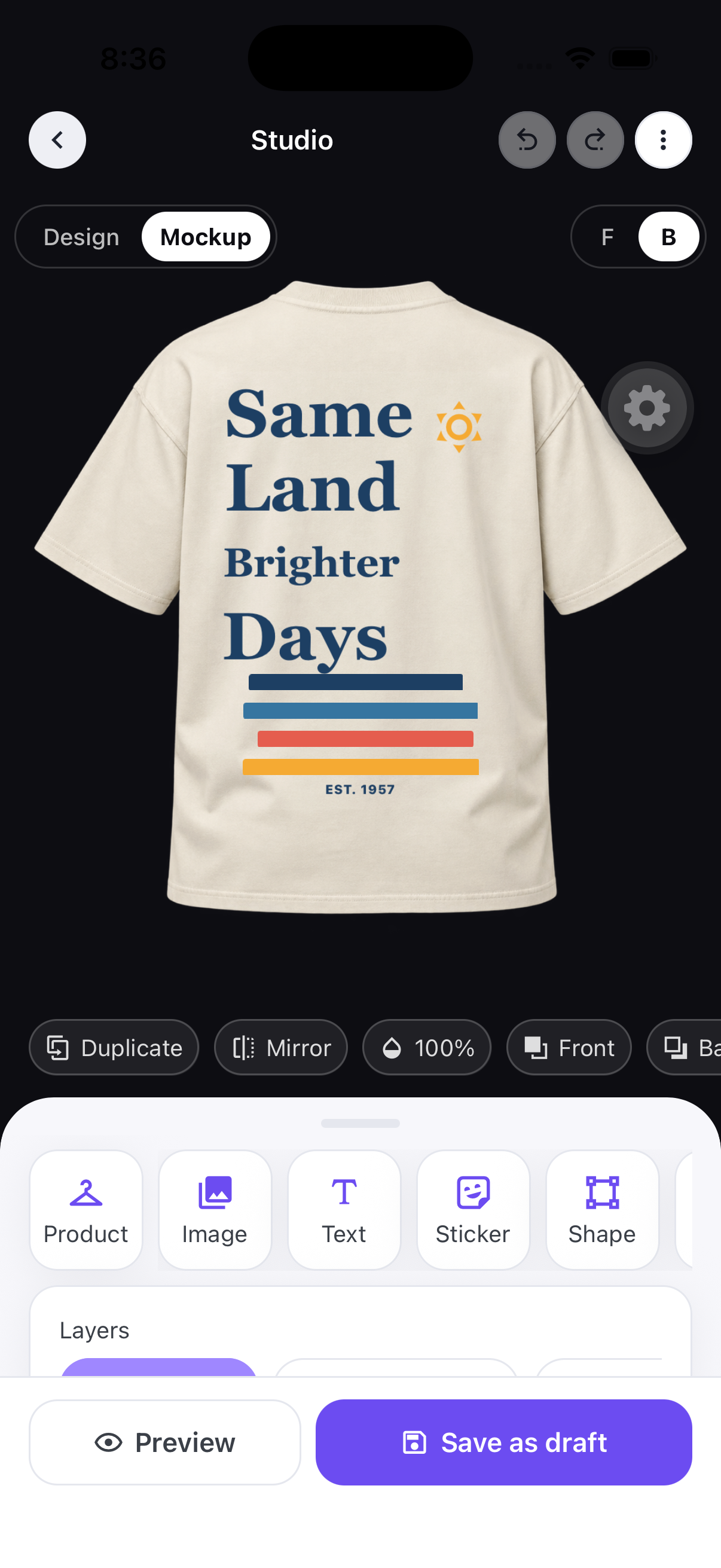
Design StudioEdit text, images and shapes, then see your design on a mockup.
Canvas GalleryStart with a composition and give it your own point of view.
Sticker GalleryFrom local favourites to playful pets, find your finishing touch.
YOUR POCKET DESIGN STUDIO
Build a design one layer at a time. Add your own images, change the wording and get the placement just right.
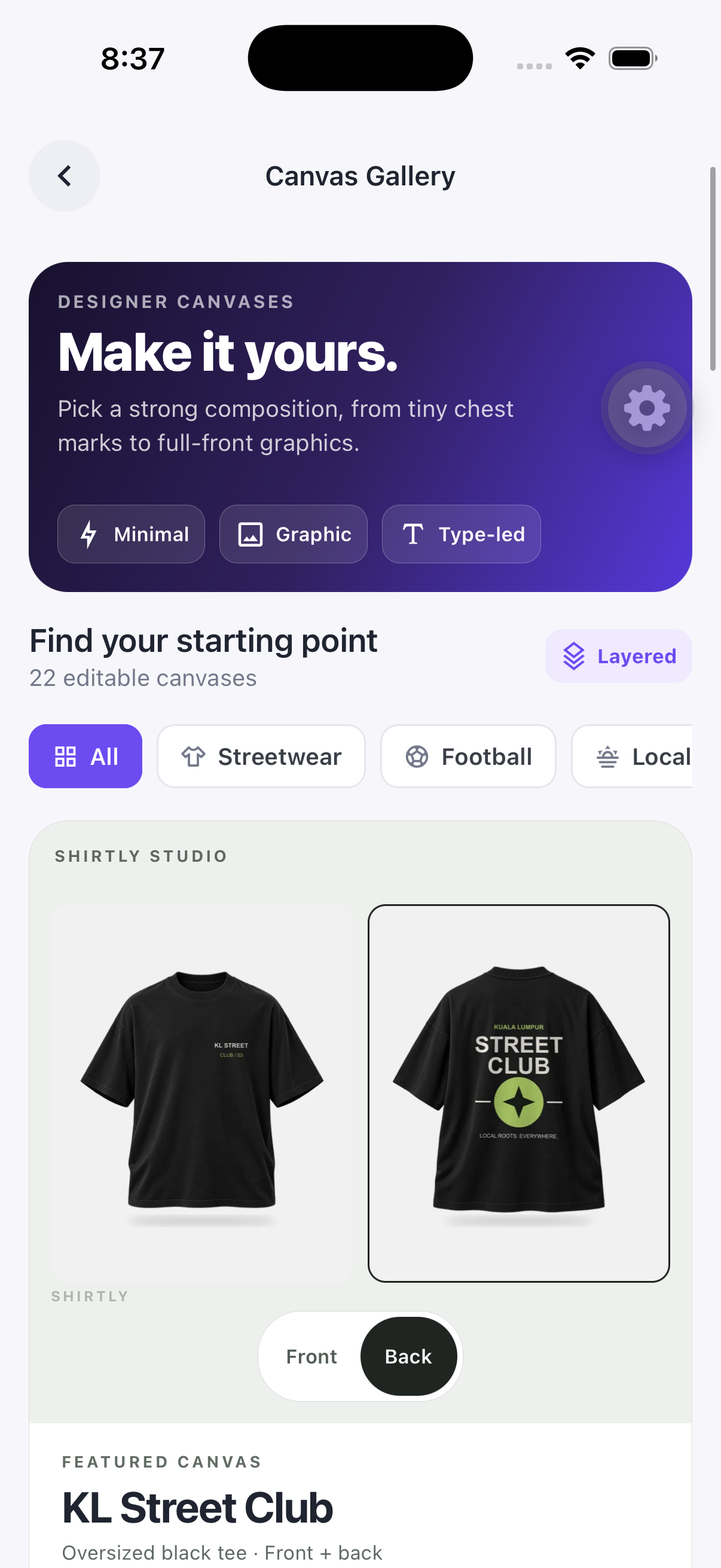
CANVAS GALLERY
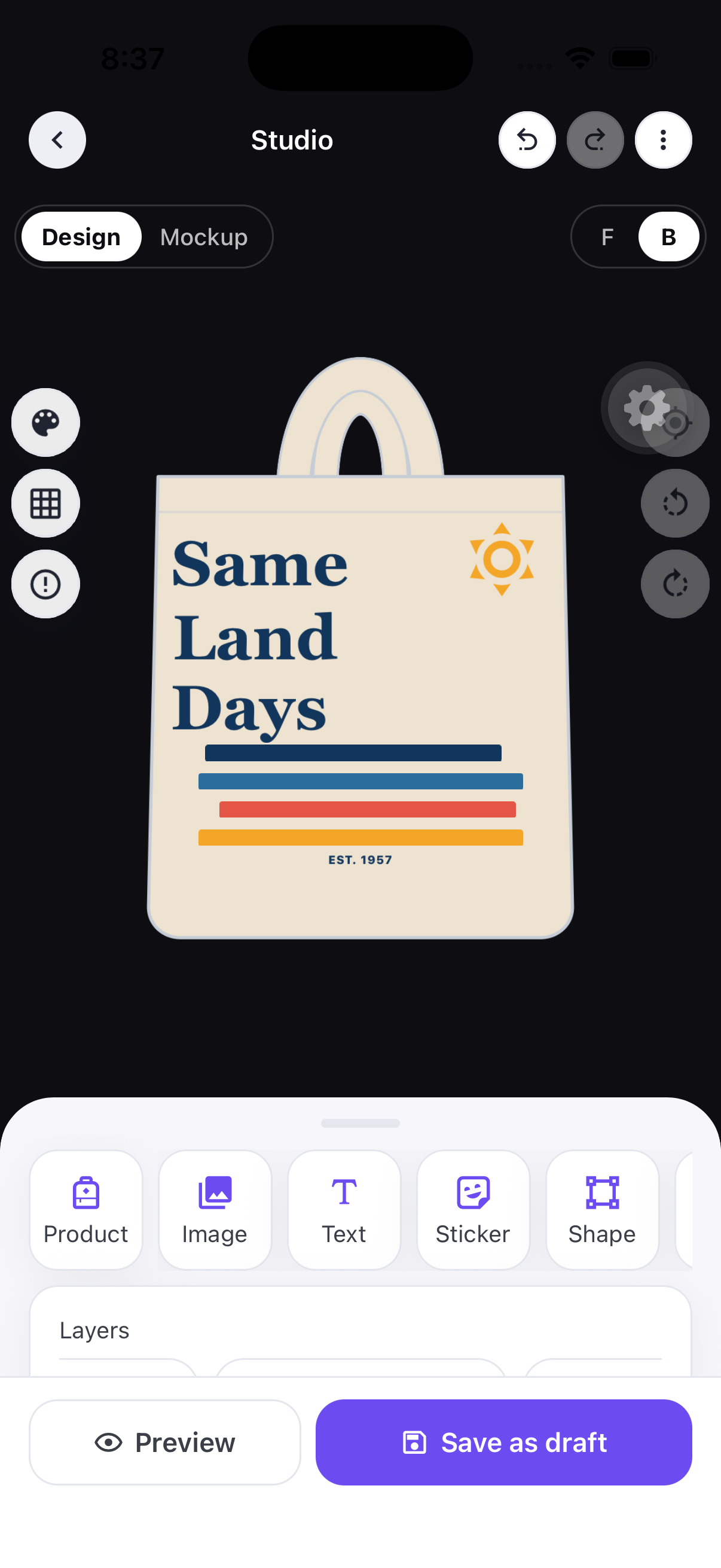
Find a composition that speaks to you. Then change the words, colours and details until it feels like your design.
A small chest mark. A bold back graphic. One starting point, plenty of room for your take.
Explore streetwear, football and locally inspired canvases in the app.
Find your starting canvasChoose your theme, style, colours and layout. AI Idea helps you turn that direction into a design you can keep shaping.
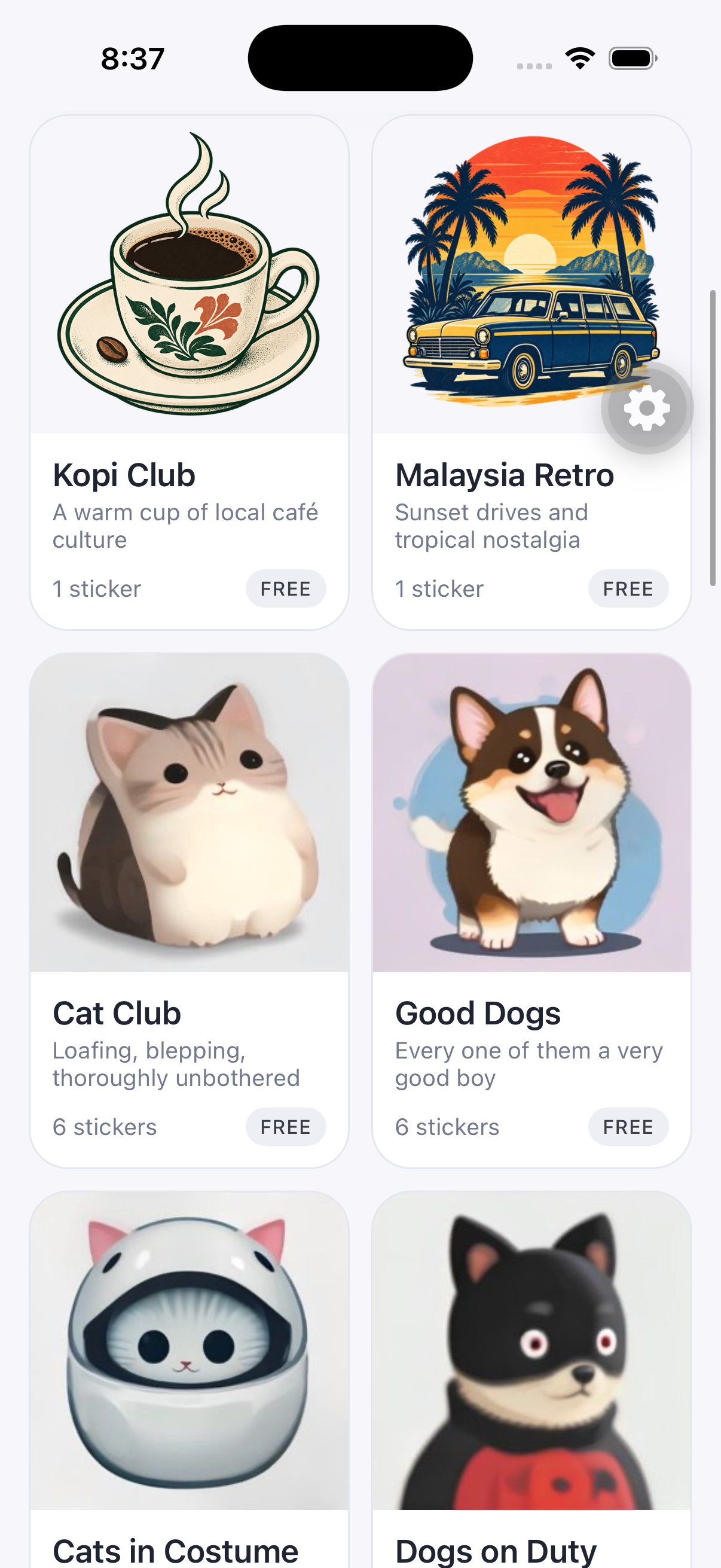
Browse sticker packs, find something that feels like you and add it to your canvas. A little kopi? A very good dog? Your call.
Getting started with Shirtly.
Shirtly: AI Design Studio is a mobile design app for creating shirt and merchandise designs. Start with an AI idea, an editable canvas template or a blank canvas, then make the design your own.
No. Start with Canvas Gallery for a ready-made composition, or use AI Idea to choose a theme and style. In Studio, you can add and move text, images, stickers and shapes as you go.
Yes. Shirtly’s editable designs keep text, artwork, stickers and shapes in separate layers. You can change individual elements, adjust their placement and work on the front and back of your design.
Some AI actions use credits. The app shows the cost before you use them, and you can check your balance in Wallet. Credit purchases are handled through the app’s supported payment options.
You can choose different products in Studio, including shirts and tote bags. Use the Product controls to explore the available garment options and colours.
Yes. Shirtly supports PDF, PNG and JPG exports, with 300 DPI print export options. Check the size, format and artwork requirements with your printer before placing an order.
Shirtly is available on the Apple App Store and Google Play. Use the store for your device to see availability and compatibility.
Visit Shirtly support to send a support request. Include what happened and your device details so we can help you more quickly.

Make it in Shirtly: AI Design Studio.